NZ Herald’s new app - My Herald lets you personalise your news feed
New Zealand’s most-read news app is now even better.
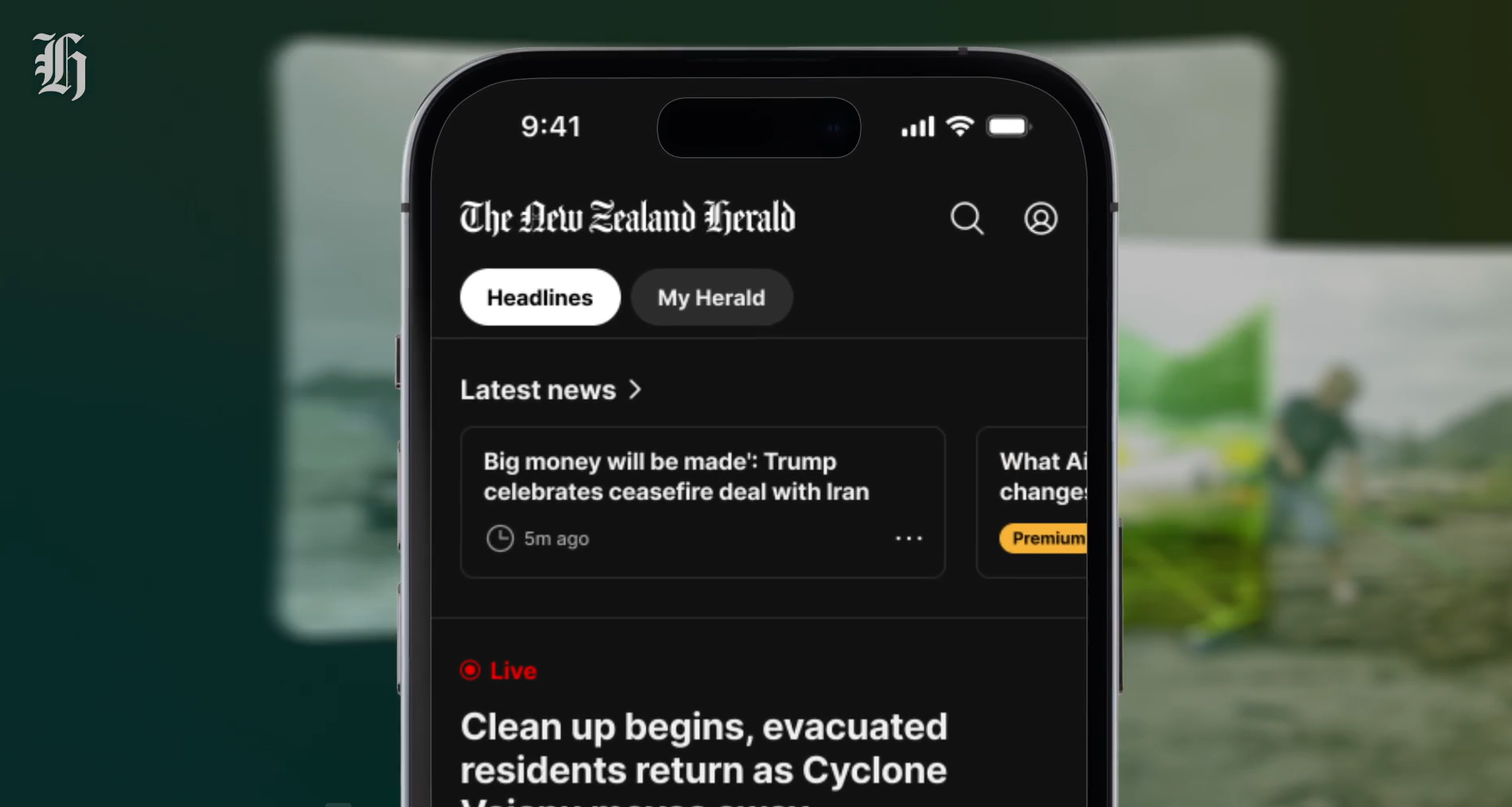
The NZ Herald has today launched its new app, giving you the ability to personalise your news feed and see more of the content most important to you.
My Herald is a key feature of the new experience, where logged-in users and subscribers can create a personalised feed of the news that matters to them.
It allows audiences to order their news feed by topic, author or saved stories and to change that ranking as often as they like.
Herald editor-in-chief Murray Kirkness says the new app allows people to tailor their newsfeed to always see the stories that interest them most.
“There will be those who want politics and business first, and those who prefer entertainment and lifestyle news. Some of our readers are interested in more Auckland news and others Bay of Plenty, or Canterbury news, for example.”
Combined with a top headlines feed and swipeable latest news carousel, the new app is designed to make it easier and faster to discover the Herald’s journalism in a way that best suits each user.
The app also features a customisable bottom navigation bar, enabling users to choose which of our brands they have one-touch access to when they first open it: OneRoof, Viva, BusinessDesk and e-editions of print papers are all available with one click.
Another new feature is a dedicated video ‘Watch’ section, giving users one-tap access to the Herald’s live shows like Ryan Bridge TODAY and Herald NOW Business with Garth Bray.
The watch feature also includes breaking and latest video news and video podcasts from the Herald’s extensive visual library.
The new app supports offline reading, allowing subscribers to download articles in advance and read them without an internet connection.
Kirkness says the launch is a significant milestone.
“The NZ Herald has been New Zealand’s most-read news app for more than two years.
“This new app takes our relationship with our audience to a new level. For the first time, readers can shape their own Herald experience, building a feed tailored to the news topics, journalists and stories they want to engage with most.
“It’s an app built for the way New Zealanders consume news today and into the future.”
Beyond personalisation, the new app brings together the breadth of the Herald’s journalism in one seamless experience. NZME’s OneRoof property portal is also integrated into the app, while the one-tap access to live news video streams and Picture-in-Picture support (currently on iOS only) means readers can watch or listen to Herald content while multitasking across other apps.
The app also has dark mode and better visibility for breaking news.
Built on a new technical foundation and designed in-house at NZME, the app also delivers a faster, more responsive platform, positioning the Herald to continue innovating for readers well into the future.
NZME’s chief information officer Katie Macdiarmid says “the app was built from the ground up by our talented in-house digital team. It’s a completely new ecosystem – new architecture, new features and a new user experience. Having this capability within our own team means we can move quickly, innovate on our own terms and continue to build products that set the benchmark for digital news experiences globally."
Users will need to update their app, though for many this will happen automatically. Download it for free on the App Store for IOS devices or Google Play for Android devices.
Once you have downloaded and signed in, here’s how to personalise your app to get closer to the news you can use.
My Herald
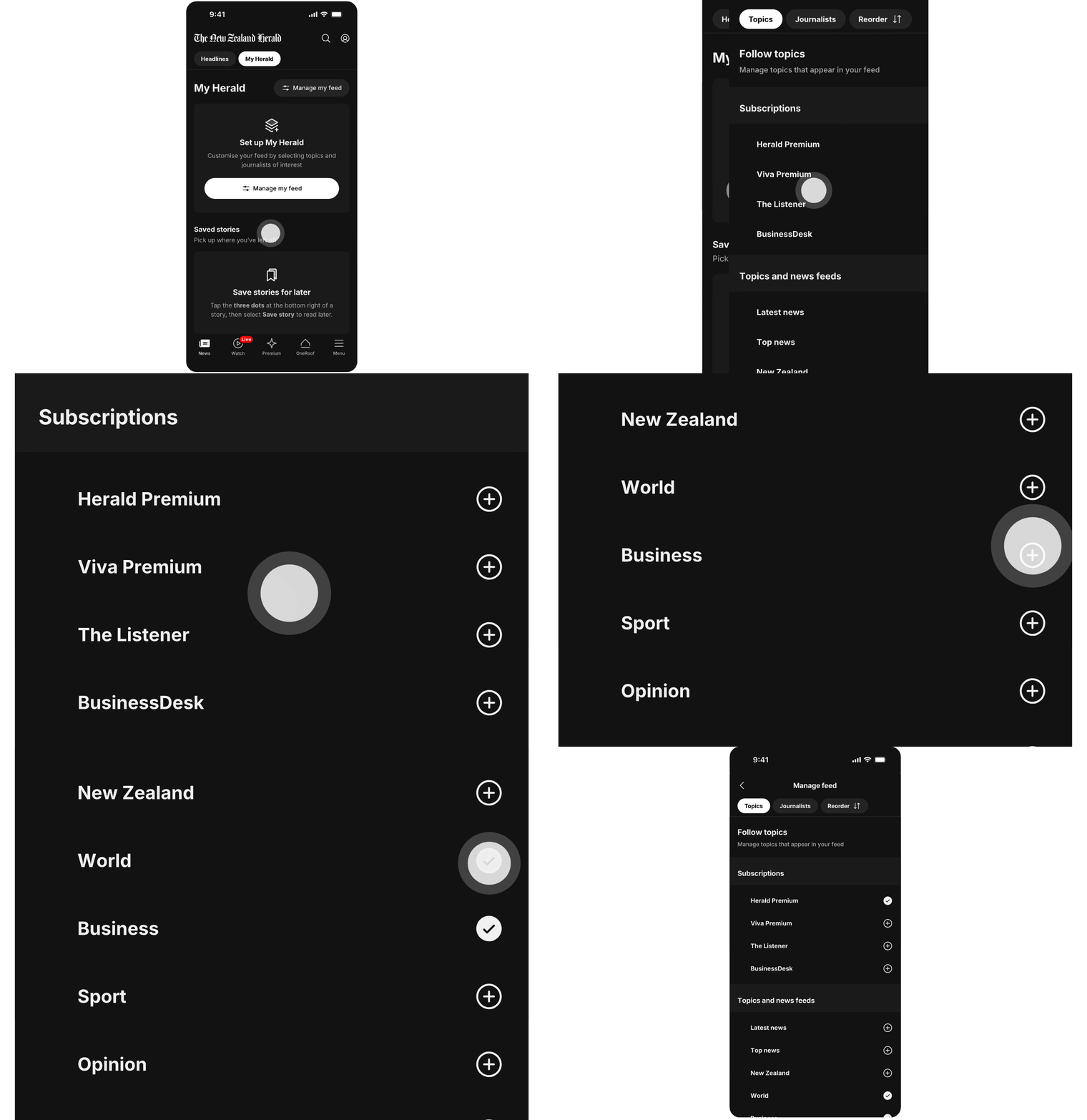
Our new My Herald section is your Herald. You can select topics and journalists to build your own front page.
You are also able to reorder the content blocks to suit your needs.
Bottom menu

The bottom menu is much more powerful. Click menu on the bottom left and our main topics are displayed. Then you can click “Edit bottom tabs” to change up to three of the bottom menu items. The order in which you select them will determine the order they appear along the bottom.
If you have feedback, or something isn’t working for you, please email nzhapp@nzme.co.nz, and feel free to comment below for the team to provide quick answers today.
You can also find some FAQs, including step-by-step instructions on how to configure some of the new features within the Herald app in our help and support section here.